
Smart Light Switch: How to Choose and Install One
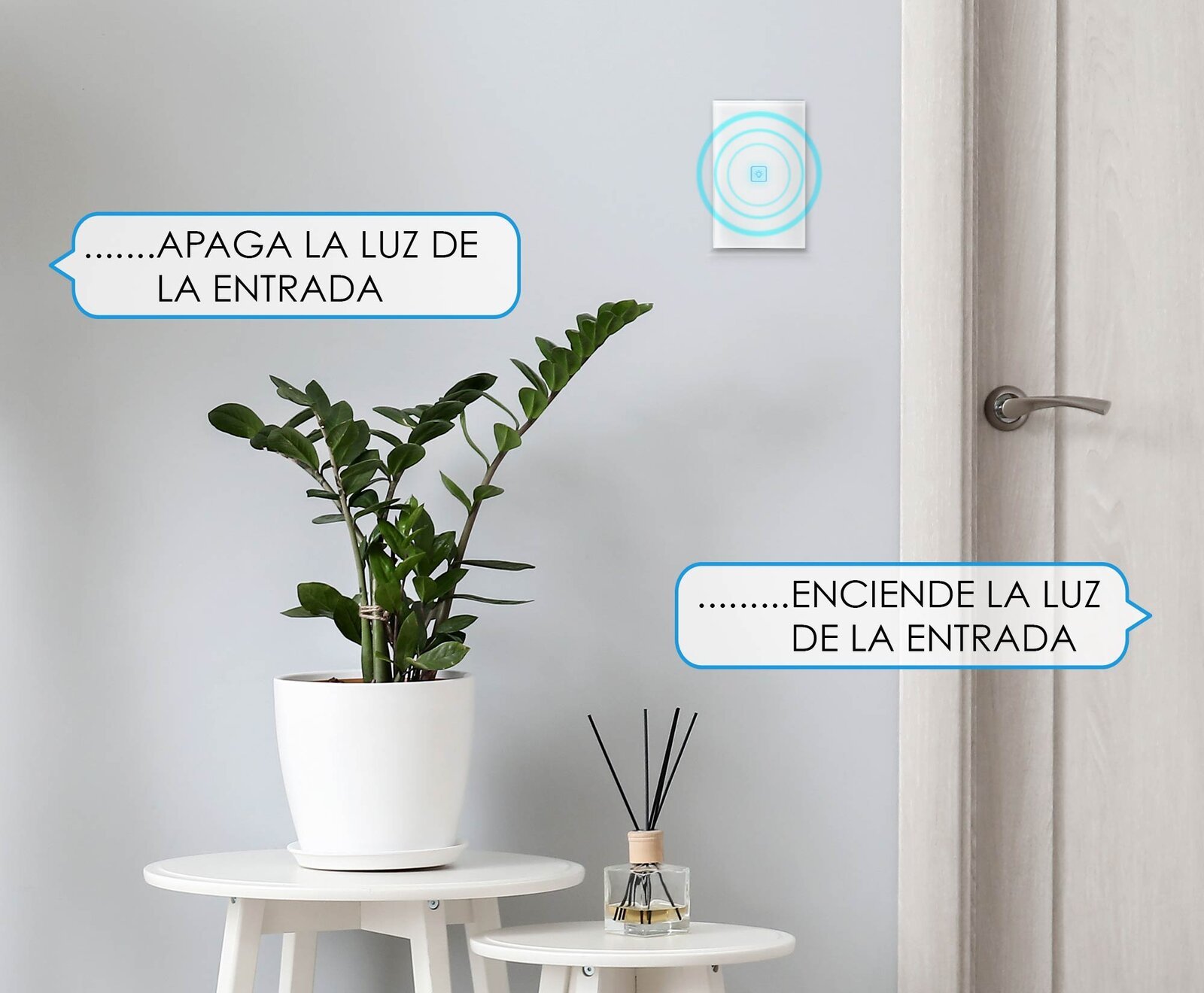
Replacing a regular light switch with a smart one is one of the easiest ways to automate your home: you keep your same bulbs, but now you turn them on from your phone, with your voice or on a schedule. Before buying one, check a couple of things.
Before you buy: make sure you have a neutral wire
Advanced Home smart switches require a neutral wire to work. It's a wire (usually white) that reaches the switch box in addition to the line and load wires. Many homes have it, but not all: in some installations the neutral only goes to the light fixture.
To check, first switch off the breaker for that circuit, remove the switch plate and look at the wires. If you're not sure what you're looking at, ask an electrician for help.
Also check that the box is a standard size (2×4) and that there is enough room behind the plate.
Which one to choose
By how many lights it controls
- LC-1268: one button, for one light.
- LC-1267: two buttons, for two lights from the same plate.
- LC-1203: three buttons, for three lights.
All three are white, with touch buttons and a blue locator light, for decorator-style plates. If you prefer black, there's the LC-1421 (one button), the LC-1422 (two) and the LC-1423 (three).
With extra features
- LC-1454: three buttons and an included RF remote control, to turn off the lights without getting up.
- LC-1455: with a motion sensor, so the light turns on by itself when someone walks in; ideal for hallways, garages or bathrooms.
Stairway or hallway lights (3-way)
If you control the same light from two switches, as on a staircase, choose a model with 3-way function: the LC-1268, LC-1267, LC-1203, LC-1421 and LC-1455 have it.
How to install it
1. Cut the power at the circuit breaker and check that the switch no longer turns on the light.
2. Remove the plate and the old switch. Before disconnecting it, take a photo of how the wires were connected.
3. Identify the line, neutral and the wire or wires that go to the light.
4. Connect each wire to its terminal following the diagram in your model's manual.
5. Tuck in the wires, secure the switch in the box and put the plate on.
6. Turn the breaker back on. The switch will light its indicator.
Each model lists the maximum current and wattage it supports on its product page; stay within those limits when connecting your bulbs.
Set it up with the app
1. Download the Advanced Home app and create your account.
2. Tap "+" to add a device and follow the steps with your 2.4 GHz Wi-Fi network.
3. Name each button ("Living room", "Dining room") so they're easy to recognize.
From there you can turn lights on and off remotely, set schedules, create scenes and share control with your family. If the power goes out, the switch remembers its last state. And since they work with Alexa and Google Home, you can say "turn off the living room light" without reaching for your phone.
Questions about your installation? Send us a photo of your wires on WhatsApp and we'll guide you. Advanced Home switches are sold at The Home Depot.